

trending-items model as the source, but the same pattern works with search or external sources.
The steps walk through both the API and Merchandising Studio paths.
Before you begin, review the Composition API requirements.
- API
- Merchandising Studio
Create the composition with the Update and insert composition endpoint, then apply the
behavior defined below.
To scope the behavior to a specific , category, or context, send the same behavior inside a composition rule’s consequence.behavior with the Update and insert composition rule endpoint.1
Configure the main organic results
Set the main organic results to your products index. To narrow them to in-stock items, add a filter on the
inStock attribute:JSON
2
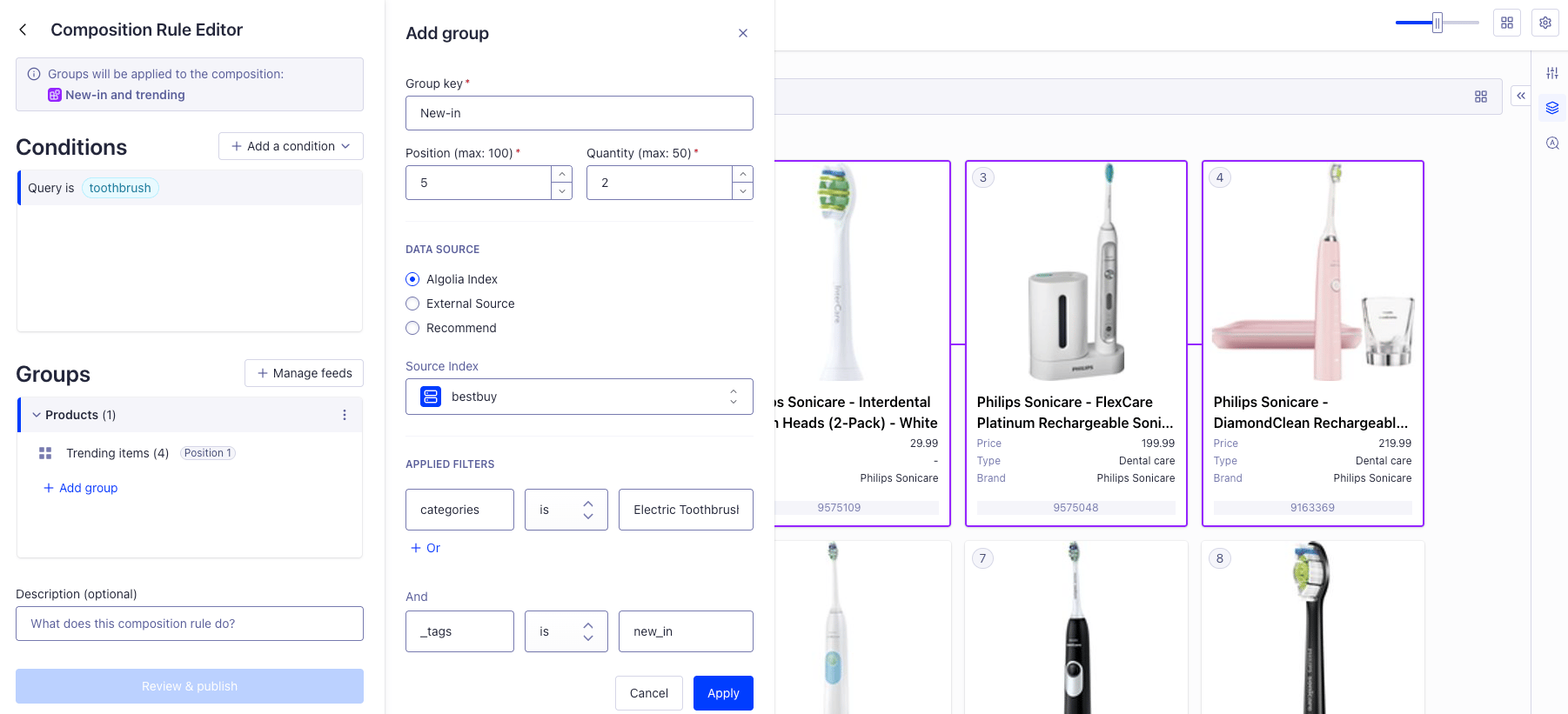
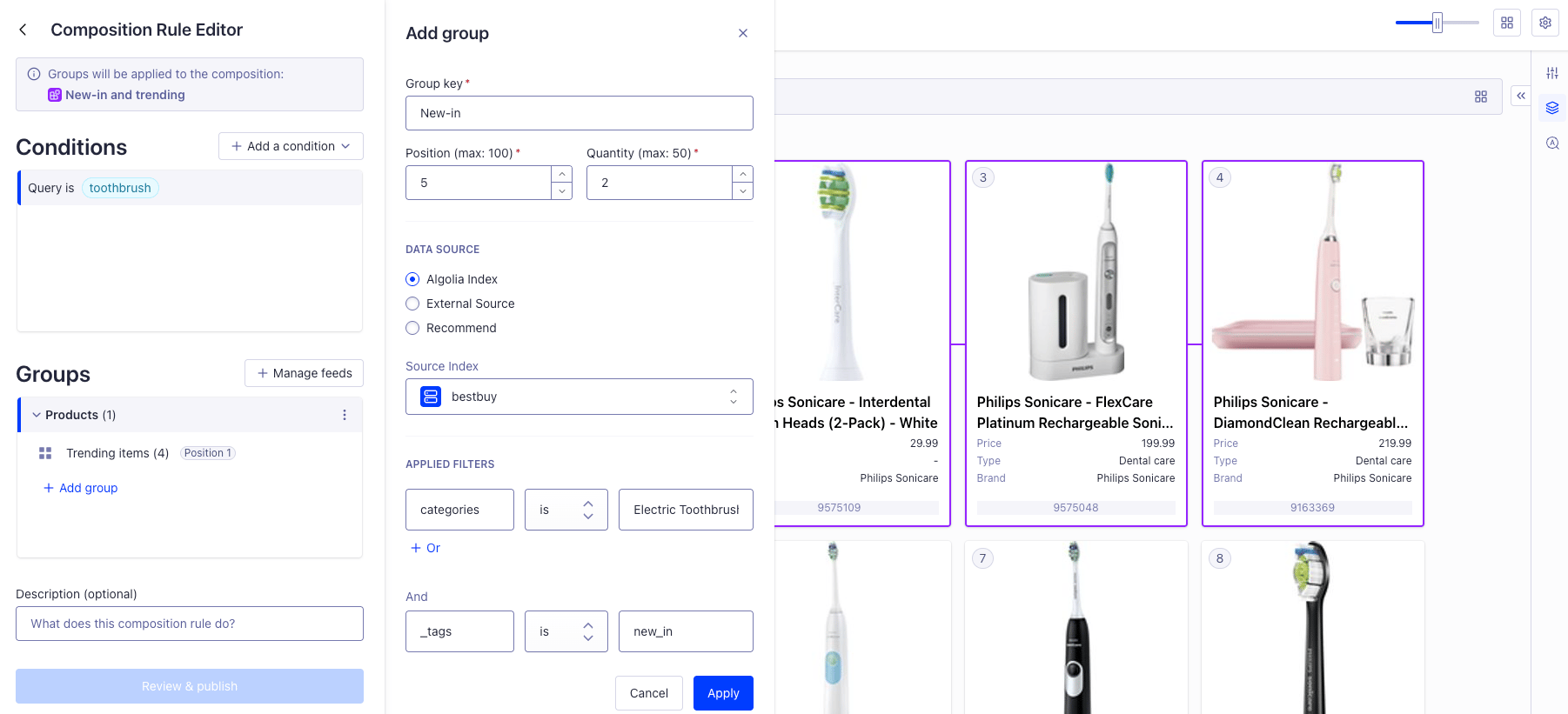
Add a recommend Smart Group of trending items
Add a Smart Group by appending an entry to
injection.injectedItems, using source.recommend to populate it from the trending-items Recommend model.
The position and length fields control where the group appears in your organic results and how many items it includes.JSON
Sorting strategy
Sort the organic results by price in descending order, while keeping the sponsored products in place.JSON