

Shopify apps can’t modify theme code directly.
To integrate Autocomplete and InstantSearch,
use the Algolia AI Search & Discovery app’s App Embed and App Blocks.For more information, see:
window.algoliaShopify.hooks.allowedHooks in your browser’s developer tools.
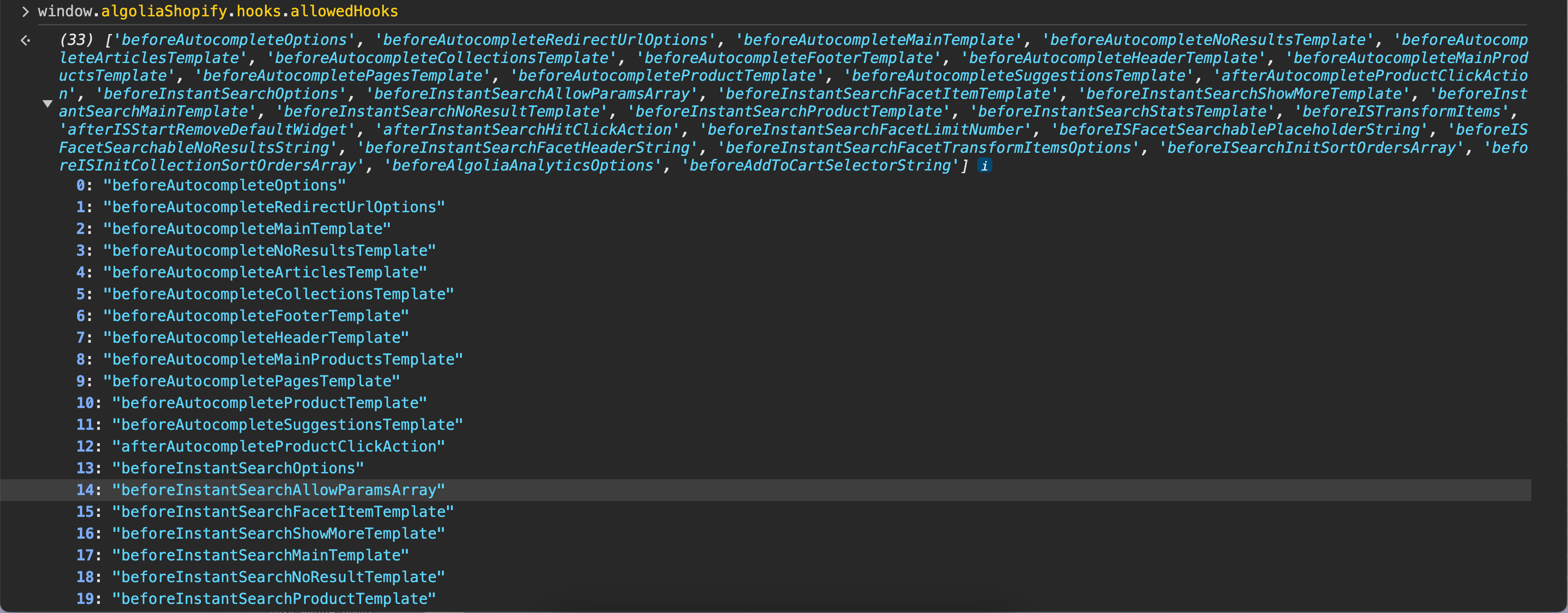
Add custom hooks
To add custom hooks, add a new JavaScript file, register the hook, and include that file in your theme.Add a new JavaScript file
- In your store’s Shopify admin, go to Sales channels > Online Store > Themes.
-
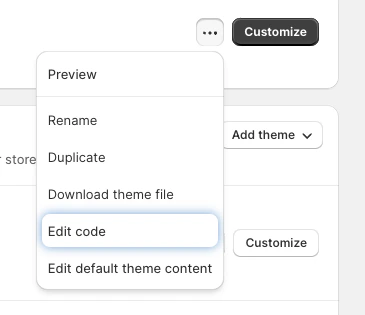
Select the theme you want to edit and click Click for more theme actions > Edit code.
- In the assets section, click New file.
-
Enter a filename, for example,
algolia_custom_hooks.js.
Register a hook function
-
Open the custom hooks JavaScript file you created in the last step (for example,
algolia_custom_hooks.js). -
Add an event listener to the
algolia.hooks.initializeevent and call thealgoliaShopify.hooks.registerHookfunction. For example:JavaScript
Include the JavaScript file in your theme
-
Under layouts, open the
theme.liquidfile. -
Go to the bottom of the
theme.liquidfile and add the following code just before the</body>tag. ReplaceNEW_FILEwith the JavaScript file that contains your custom hooks, for examplealgolia_custom_hooks:HTML - Save the file.
Hook names
Your hook function must return the expected type. The hook name suffix indicates the expected return type:| Hook name ends with | Expected return type |
|---|---|
Options | Object |
Template | Tagged template literal |
Array | Array of strings or objects |
String | String |
Number | Number |
Action | Function |