

- Go to Settings in the app.
-
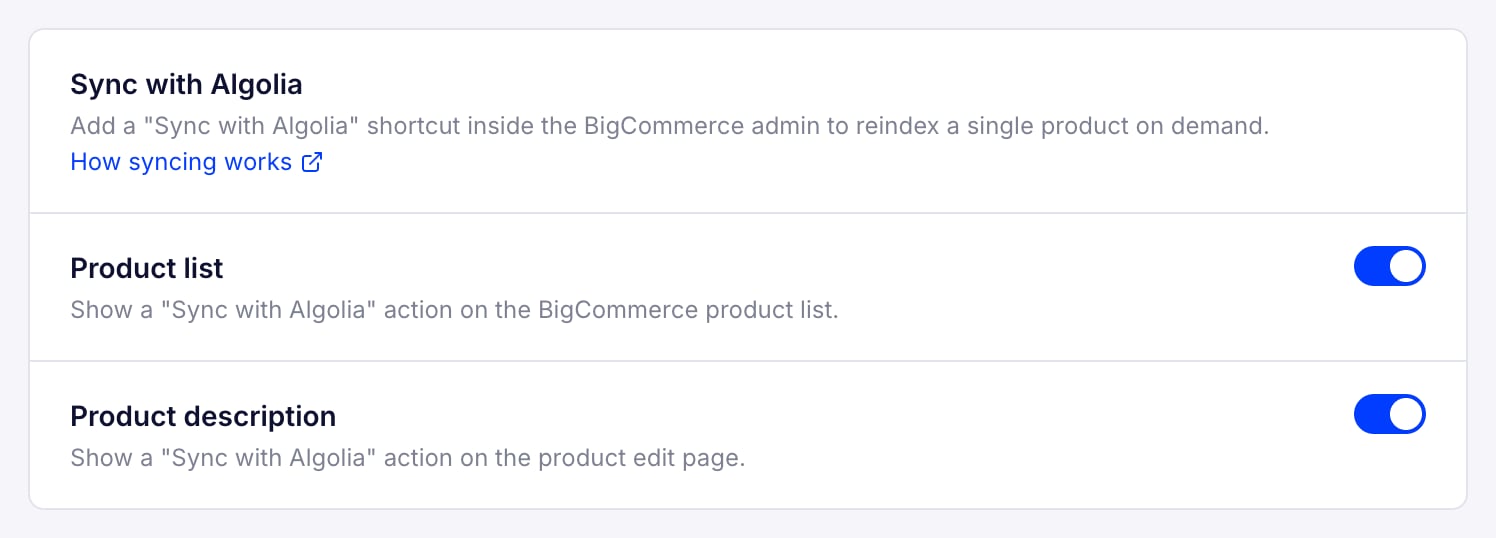
In the Sync with Algolia section, turn on where the shortcut appears:
- Product list. Show a “Sync with Algolia” action on the BigCommerce product list.
- Product description. Show a “Sync with Algolia” action on the product edit page.
- In the BigCommerce product list, choose the product you want to sync, open the three dots menu, then select Sync with Algolia. This reindexes the product across your indexes.
Search settings
Sync with Algolia
Manually sync individual product data from BigCommerce to Algolia to update search results.
The Sync with Algolia option adds a shortcut inside the BigCommerce admin to reindex a single product on demand.
Last modified on September 3, 2026